
Mono guide
Account and security
Protect your account and keep its profile details current.
Verify your email address
New accounts are directed to email verification after signup. Open the time-limited link in the message to confirm the address. The verification screen can send another message if the first expires or is lost.
Verification helps ensure password resets and service notices reach the account owner.
Sign in safely
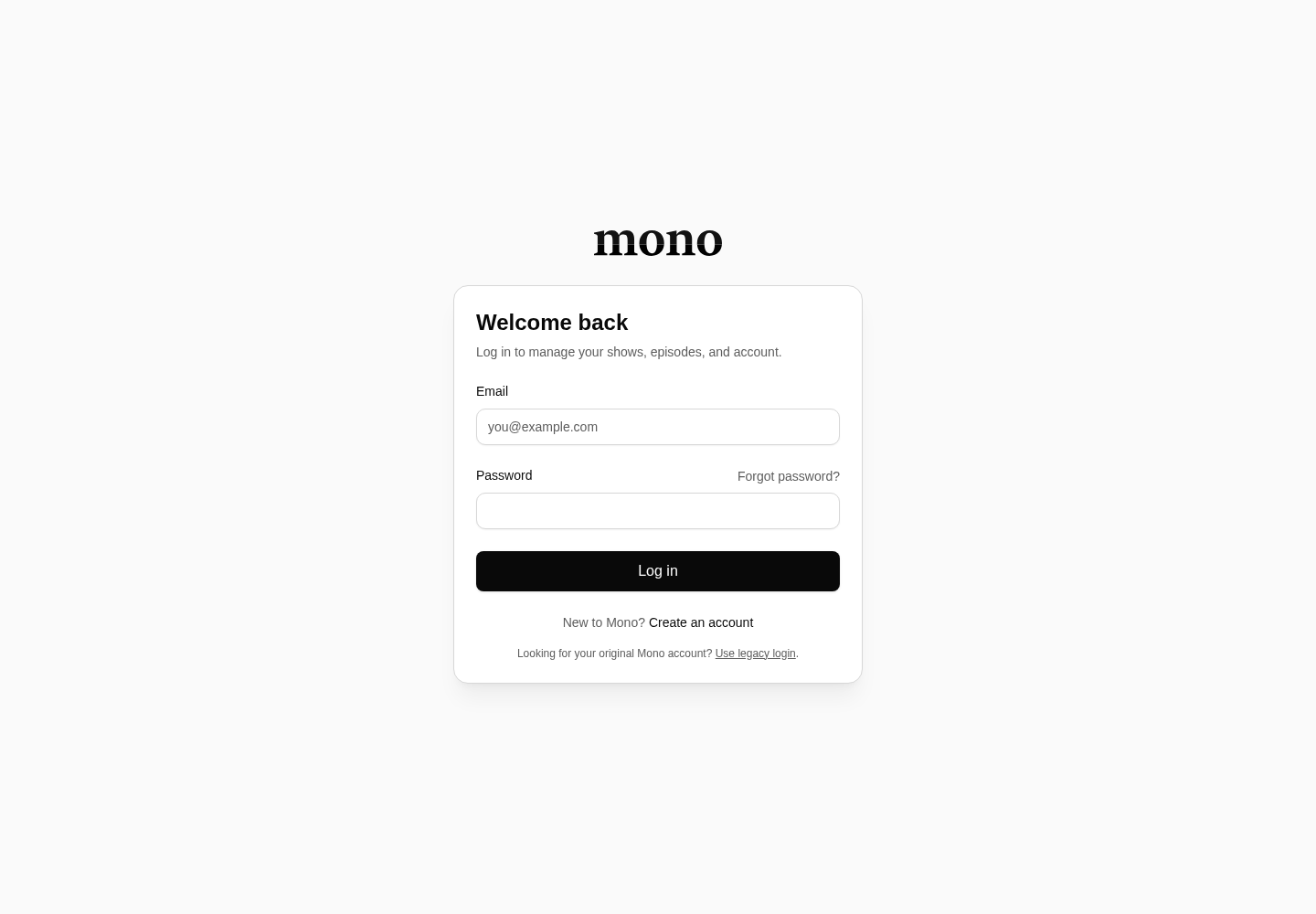
Use the new Mono login for v2 accounts. Customers who need the retired system can follow the clearly labelled legacy-login link; legacy credentials are separate and are not silently copied into the new account system.
Use a unique password and a password manager. Mono requires at least six characters, but a longer generated password is safer.
Reset a forgotten password
Choose Forgot password from login, enter the account email, and open the reset link. Reset links are time limited. Request a new one if it has expired, and use only the newest message.
Manage sessions and profile data
Account settings lets you update supported profile fields. Use Log out when finishing on a shared device. If you notice an unfamiliar change, reset the password and contact support.
Mono will not ask for your password or payment card by email.