
Mono guide
Getting started
Create an account and publish your first podcast with Mono.
Create and verify your account
Open Sign up and enter your name, email address, and a password. Mono sends a verification link to the address you provide. Open that link before publishing so password resets and important account notices can reach you.
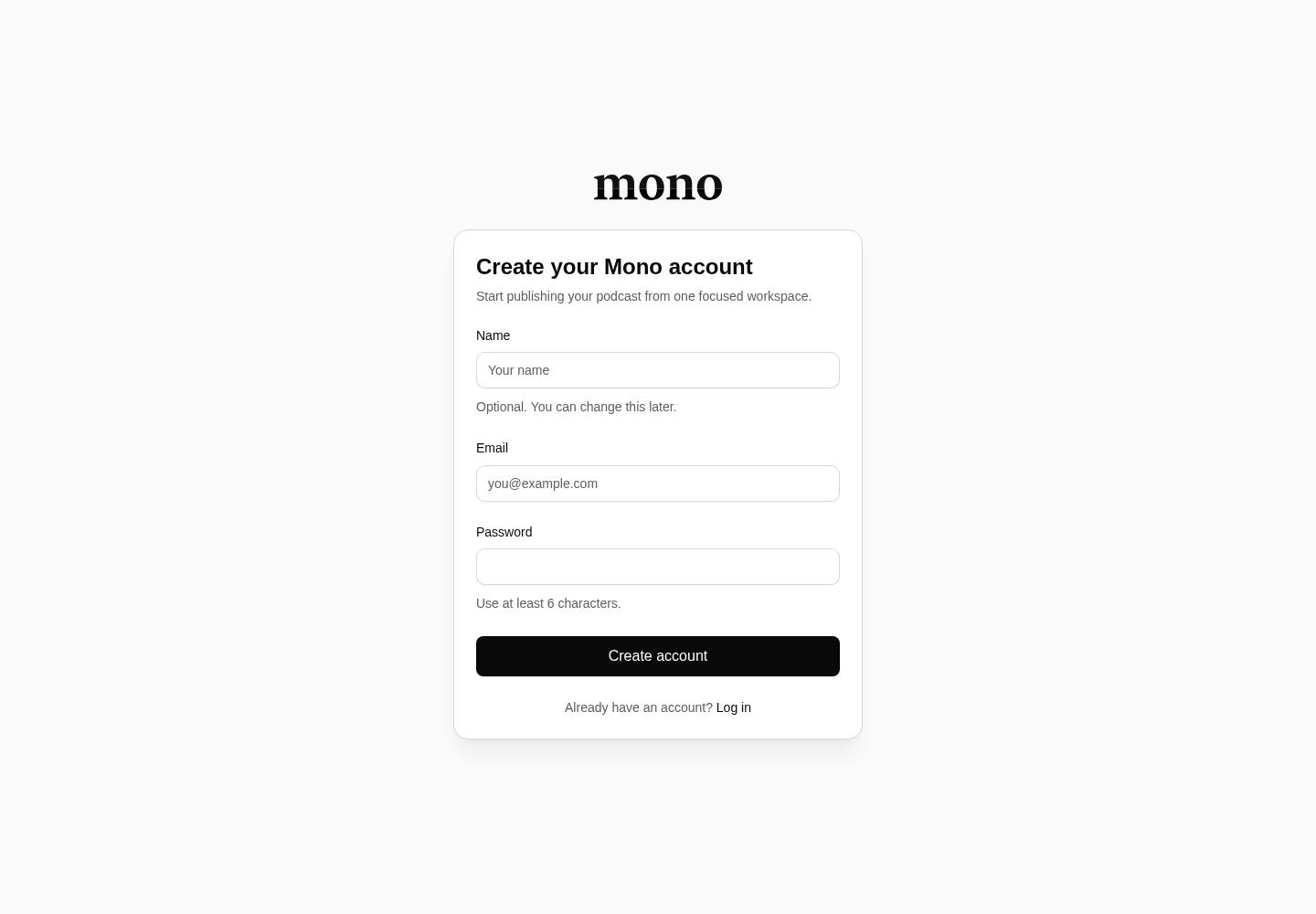
If the message does not arrive, check spam, confirm the address on the verification screen, and request a new message. Already have an account? Use Log in instead of creating another one.
Choose how to begin
After signing in, the account dashboard offers two paths:
- Create a show when this is a new podcast. Start with its title, then complete the author, description, artwork, category, language, and owner details in show settings.
- Import a podcast when it already has a public RSS feed. Mono previews the feed before creating anything, then imports the show and its episode archive as a background operation.
Prepare the first episode
Open the show and choose New episode. Add a clear title and description, upload the audio file, and wait until the upload reports that it is ready. Keep the episode as a draft while reviewing its metadata and media.
Publish immediately when it is ready for listeners, or choose a future publication time. Only published episodes appear on the public show site and RSS feed.
Distribute the show
Copy the RSS URL from the show overview. Submit that stable URL to podcast directories such as Apple Podcasts and Spotify. Directory review and refresh times are controlled by each directory, not Mono.
Before sharing widely, open the RSS URL and public show link yourself and confirm the artwork, description, and episode audio are correct.