
Mono guide
Importing a podcast
Bring an existing RSS feed and episode archive into Mono.
Before you import
Keep the existing podcast host active during the migration. You need its public HTTPS RSS URL, and the feed must remain reachable while Mono reads episode metadata and media.
Do not change directory listings or shut down the old host before checking the completed import.
Review the feed before importing
Open Import a podcast, paste the current RSS URL, and choose Check feed. This first step is read-only: it validates the feed and shows the detected podcast without creating account data.
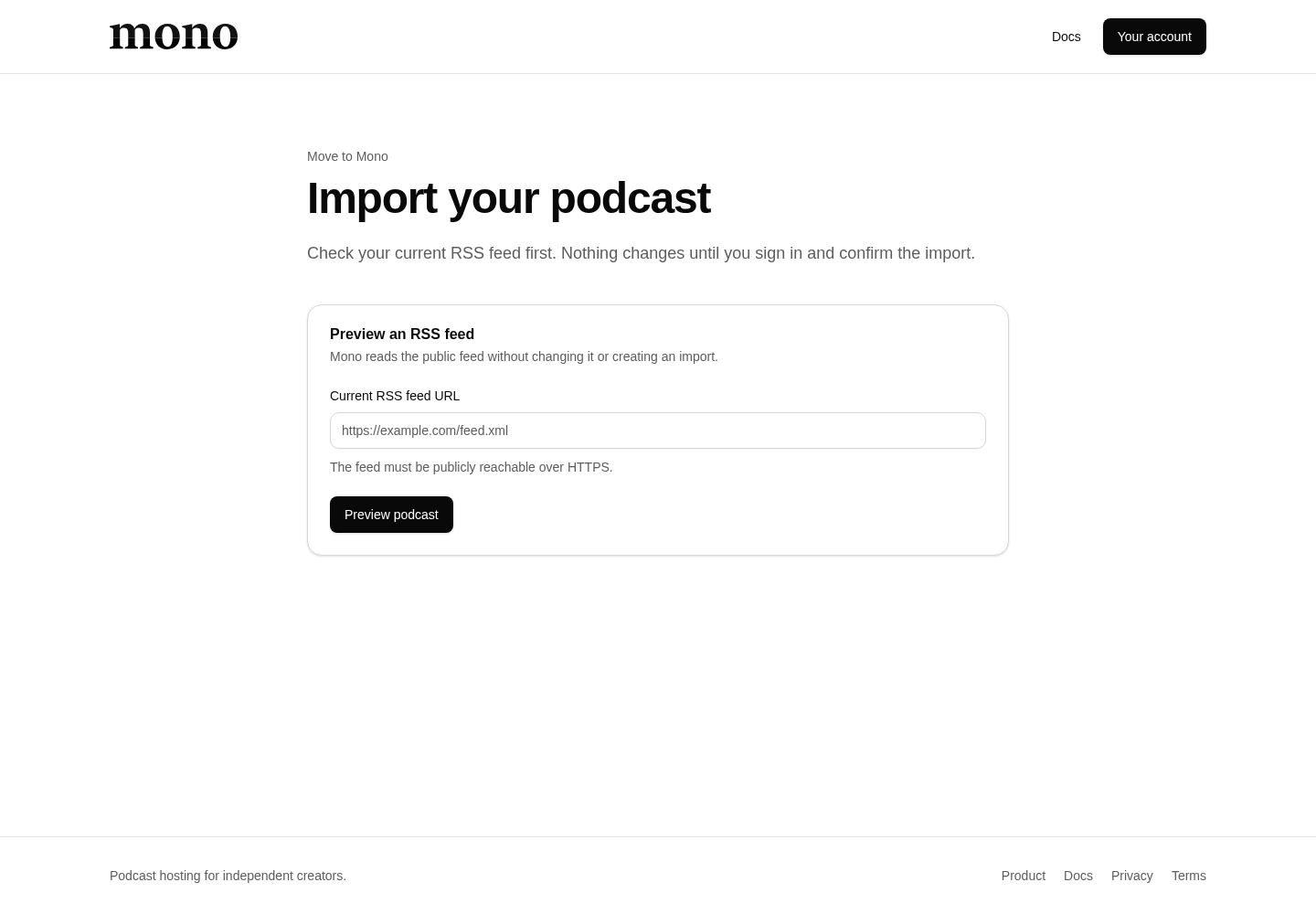
Review the show title, description, artwork, episode count, and any validation message. If the feed is private, malformed, or only reachable inside a private network, Mono cannot import it.
Start the durable import
Sign in when prompted, review the preview again, and explicitly start the import. Mono creates an import operation in your account and processes it in the background, so you can leave the page without cancelling it.
The progress view reports the current state. Do not start a second import for the same feed while one is running.
Verify the result
When the operation completes:
- Open the imported show and review all show settings.
- Check several old and recent episodes, including their dates and descriptions.
- Play imported audio and confirm artwork loads.
- Publish only content that should be public.
- Open the new RSS feed and compare it with the source feed.
Move podcast directories
Follow the previous host’s feed-redirect procedure where available. Update directories only after the new feed is correct, and leave the old host or redirect active long enough for directories and listeners to refresh.